Providers
IPTV providers Australia: compare the details that matter
A provider, a player and an internet connection each do a different job. Understanding the difference makes choosing a subscription easier.
By AUIPTVHub Updated How we review

Use this page as a provider comparison worksheet. We explain the questions to ask and show our own plans below; we do not claim to have tested or ranked every IPTV provider in Australia.
IPTV provider, player and device: what is the difference?
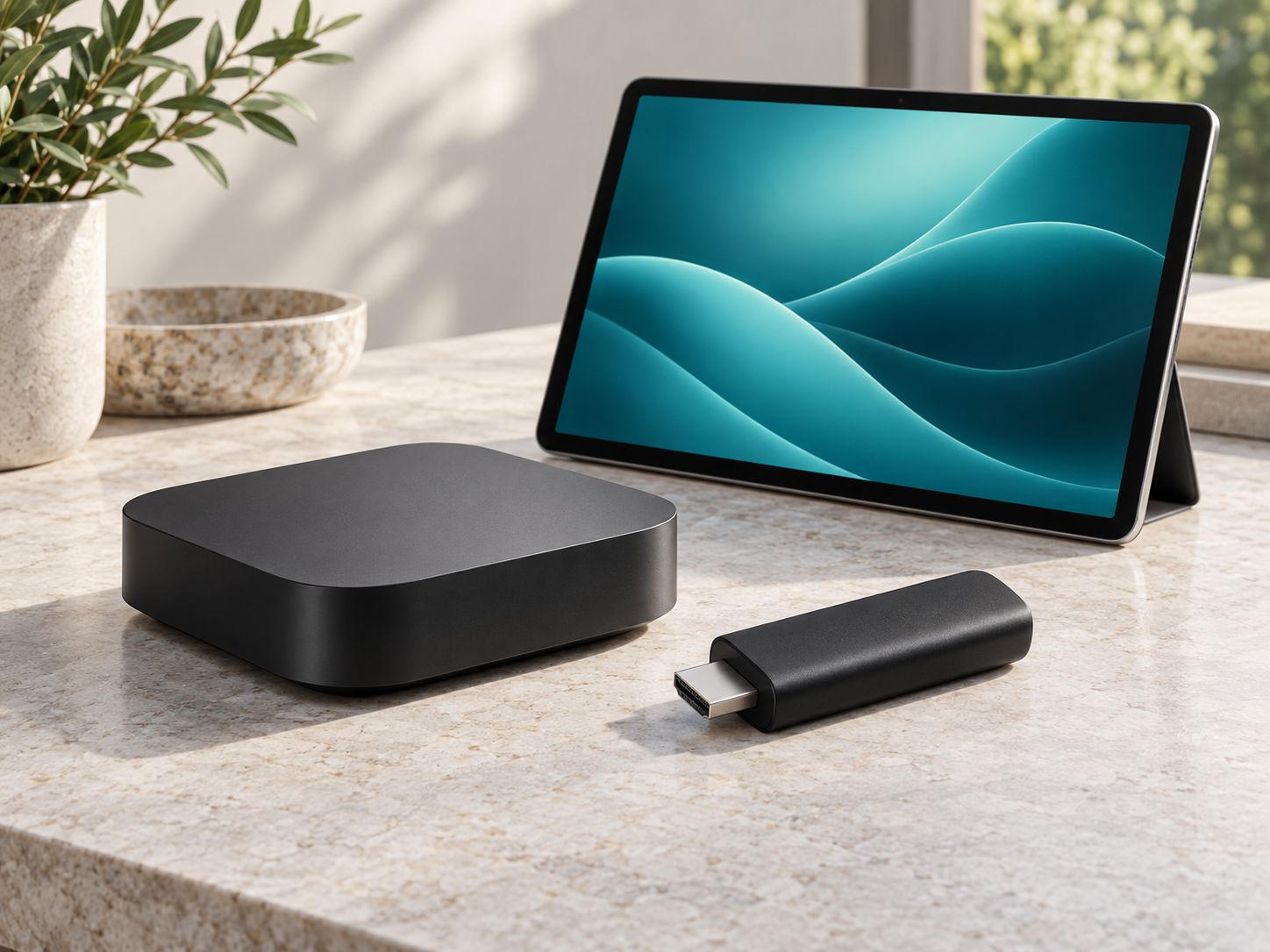
Your provider supplies access to a service. A player displays the stream and may add a programme guide or other interface features. Your device runs that player. Buying a streaming box or upgrading an app does not automatically include an IPTV subscription.
- Subscription: the duration, content access and screen allowance you order.
- Player: the software and login format supported by the service.
- Hardware: your television, streaming device, phone or tablet.
Your internet connection and IPTV in Australia
Confirm the connection requirements for your preferred quality and screen count. Test where the TV sits, especially if it connects over Wi-Fi. Other household activity shares that bandwidth, so a connection that works for one stream may need more capacity for several simultaneous streams.
If an internet plan bundles viewing access, check the cost of the bundle and what happens to each service when you change or cancel it.
Compare IPTV providers in five steps
- Check the current catalogue. Confirm what is available for your region and devices.
- Confirm compatibility. Supply the exact TV or streaming-device model.
- Count simultaneous screens. Distinguish installed devices from active streams.
- Compare the full cost. Include the subscription and any separate app or hardware purchase.
- Read the terms. Confirm activation, renewal, cancellation, refund and support details.
A side-by-side worksheet for IPTV providers
| Compare | Evidence to request | Why it matters |
|---|---|---|
| Total cost | Written price, currency, duration and separate player fees | Monthly equivalents can hide an upfront payment |
| Device support | Your exact model, operating system and supported player | A generic “smart TV” claim is not model confirmation |
| Simultaneous viewing | Number of active streams and household requirements | Device activation and viewing limits can differ |
| Programme guide | Guide format, time-zone settings and supported player | Correct local times matter for daily use |
| After-sales support | Support route, order reference and renewal/refund terms | You need a clear contact if setup fails |
Check a new setup before switching
If a trial is offered, use the device and home connection you intend to keep. Test during your usual viewing hours, navigate the guide and confirm subtitles where available. Record the device, player version and connection used so a support request describes something reproducible. One successful session does not establish long-term uptime.
Switching IPTV providers without losing your setup details
Save the details of your current subscription and check its end date before ordering a replacement. Confirm the new service supports your player. If a trial is available, use it on the actual devices and connection you intend to use. Keep the old and new account details separate so you can identify any setup issue.
Compare our IPTV Australia plans or use the setup checklist before ordering.
Frequently asked questions
What does an IPTV provider supply?
An IPTV provider supplies subscription access and the account details needed to use its supported app or player. Confirm the catalogue, device support, screen limit and terms for the specific plan.
Is my internet provider also my IPTV provider?
They may be separate businesses. Your internet provider supplies the connection; the IPTV provider supplies viewing access. Some companies bundle services, so check each part of the offer.
What should I compare between IPTV providers in Australia?
Compare current content availability, compatible apps, simultaneous screens, total price in AUD, subscription duration and support. Ask about renewal and cancellation before ordering.
Can I use an overseas IPTV provider in Australia?
Ask whether the service supports your location and devices. Regional availability and terms differ between providers; do not assume that a plan available overseas is also available in Australia.