Setup checklist
IPTV setup checklist: devices, connection and player
Start with the equipment you already have, the screens you want to use and the subscription details that matter to your household.
By AUIPTVHub Updated How we review
Device and player compatibility checklist
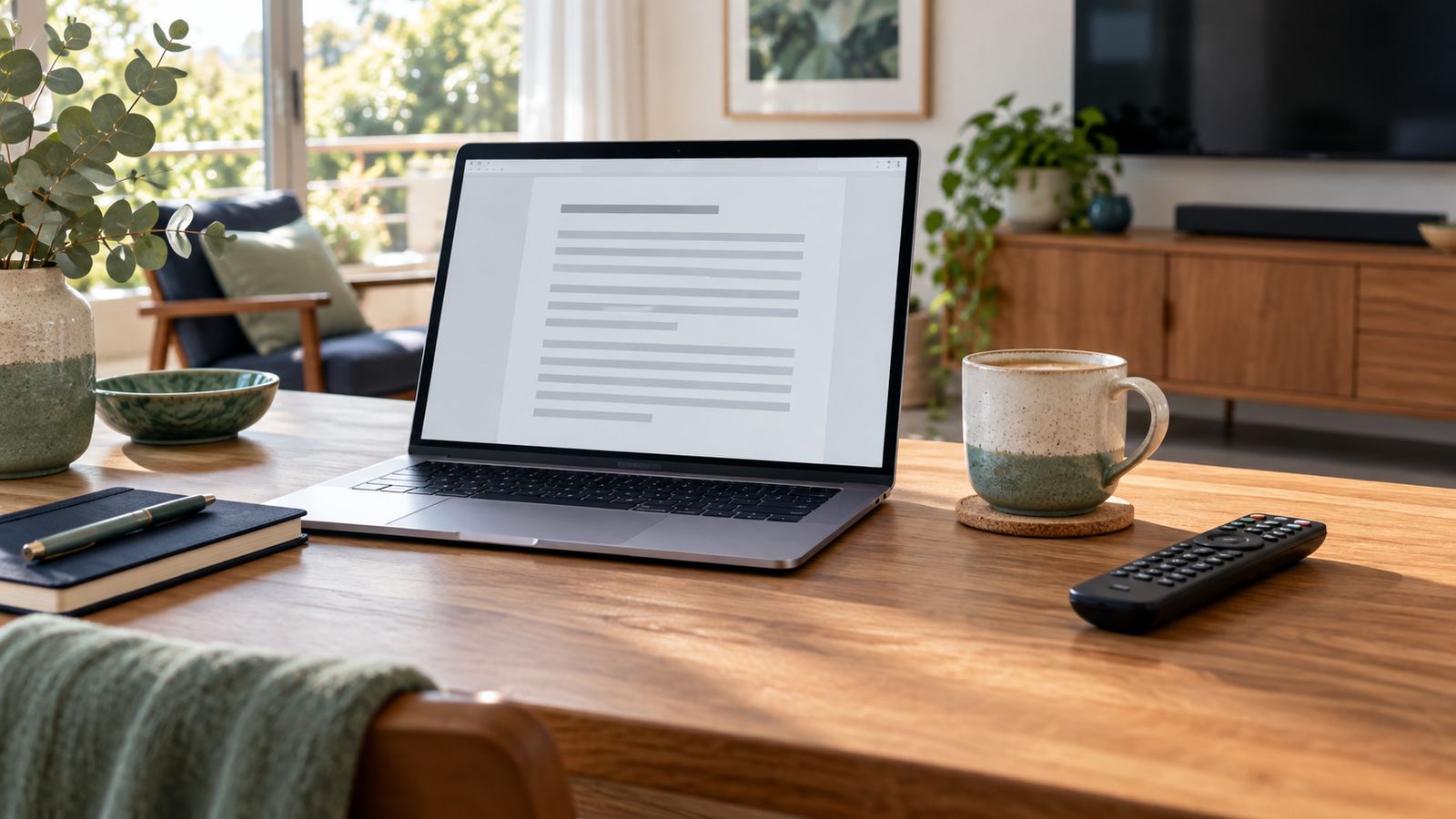
Write down your television or streaming device model and operating system. Check that the player is available for that exact device, rather than assuming that every smart TV runs the same apps. If you also watch on a phone or tablet, include those devices in your setup request.
- Confirm the supported app and where to install it.
- Check whether your provider supplies a player login, an M3U playlist or another format.
- Ask whether player upgrades are included or purchased separately.
- Check subtitles, audio options and remote navigation if those features matter to you.
Check the connection at your television
A fast internet plan cannot compensate for weak Wi-Fi at the TV. Try the connection in the room where you watch, at the time your household usually streams. If possible, compare Wi-Fi with Ethernet and pause large downloads while testing.
Several simultaneous streams share the same connection. Check the provider's connection requirements and allow capacity for video calls, gaming and other household use.
Confirm your IPTV subscription before ordering
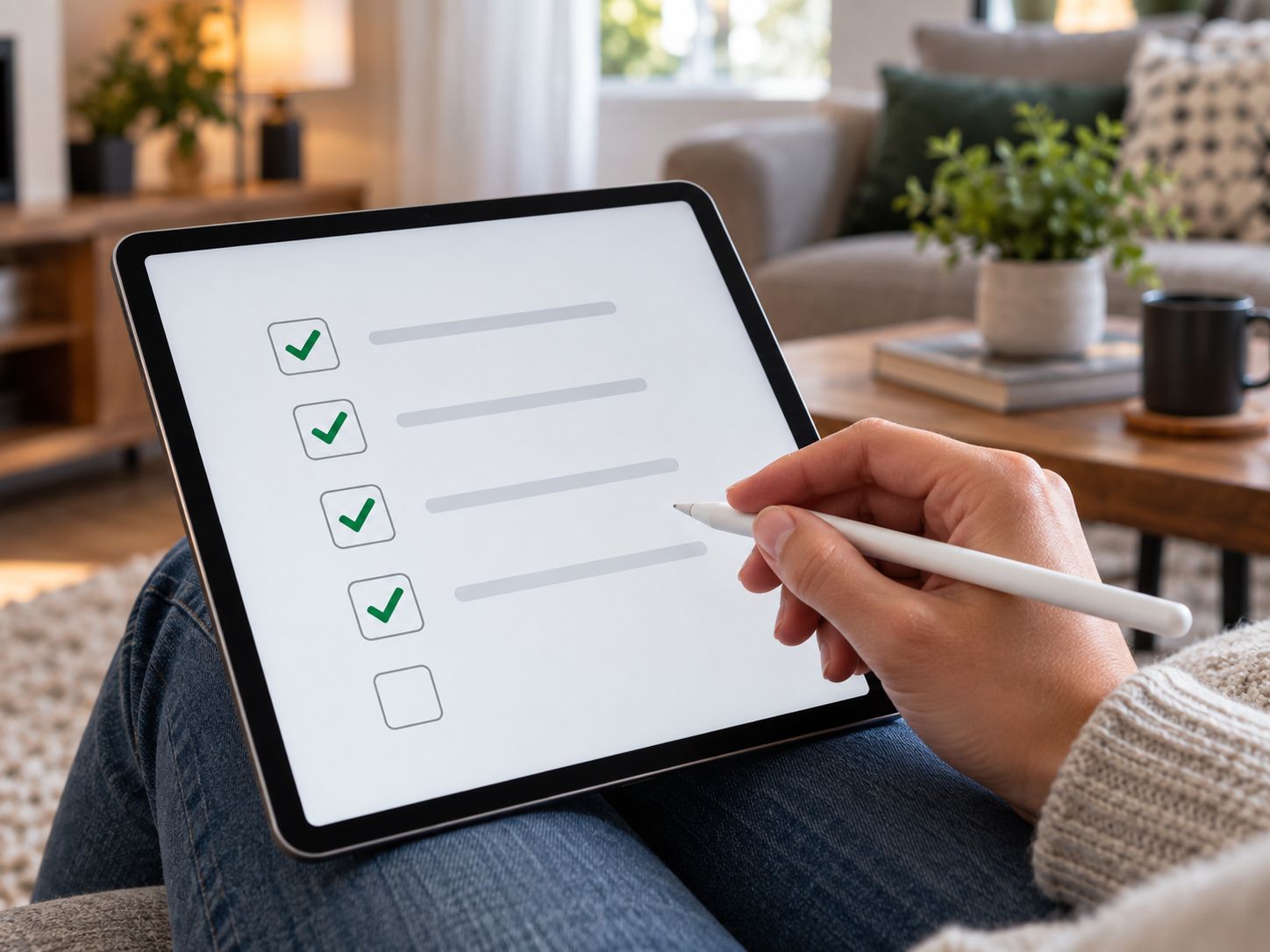
- Choose 1, 3, 6 or 12 months and confirm the total in AUD.
- Ask about current content availability for your region and devices.
- Confirm how many screens may play at the same time.
- Read the activation, renewal, cancellation and refund terms supplied with the offer.
- Keep a copy of the order confirmation and the support contact.
A low price alone does not tell you whether a plan fits. Compare the total cost with the features you will actually use, including any separate player or hardware purchase.
Set up your IPTV account with care
Install the player from its official distribution source, keep the device updated and enter account details exactly as provided. Treat a playlist URL like a password because it may contain account credentials. If setup fails, send support the device model and error message through a private support conversation.
Compare our IPTV Australia subscription plans and choose the duration that suits your household.
Frequently asked questions
What should I check before choosing IPTV in Australia?
Confirm your device model, player compatibility, subscription duration, simultaneous screen limit and total price in AUD. Ask for current content availability and the renewal and cancellation terms before paying.
Is a player app the same as an IPTV subscription?
No. A player is software that displays content supplied through your subscription. Some players charge separately for extra features. Confirm what your chosen plan includes.
Can one IPTV login be used on several devices?
Installation on several devices does not necessarily mean simultaneous viewing is included. Check the screen limit and any household connection requirements for the selected plan.
What details should I send when I need setup help?
Share your device model, app name, error message and the steps you already tried. Do not post passwords, full playlist URLs or payment details in public messages.